

Cutting Grading Time in a Book Study Unit With an AI Grading Assistant
Published on September 29th, 2026 by the GraideMind team
The end of a book study unit is when grading pressure peaks. Students have finished Fuller's memoir, submitted essays, and are eager for results while the teacher stares at a large stack of papers. An AI grading assistant can compress the time spent on routine parts of the process, provided it is used with a clear plan.
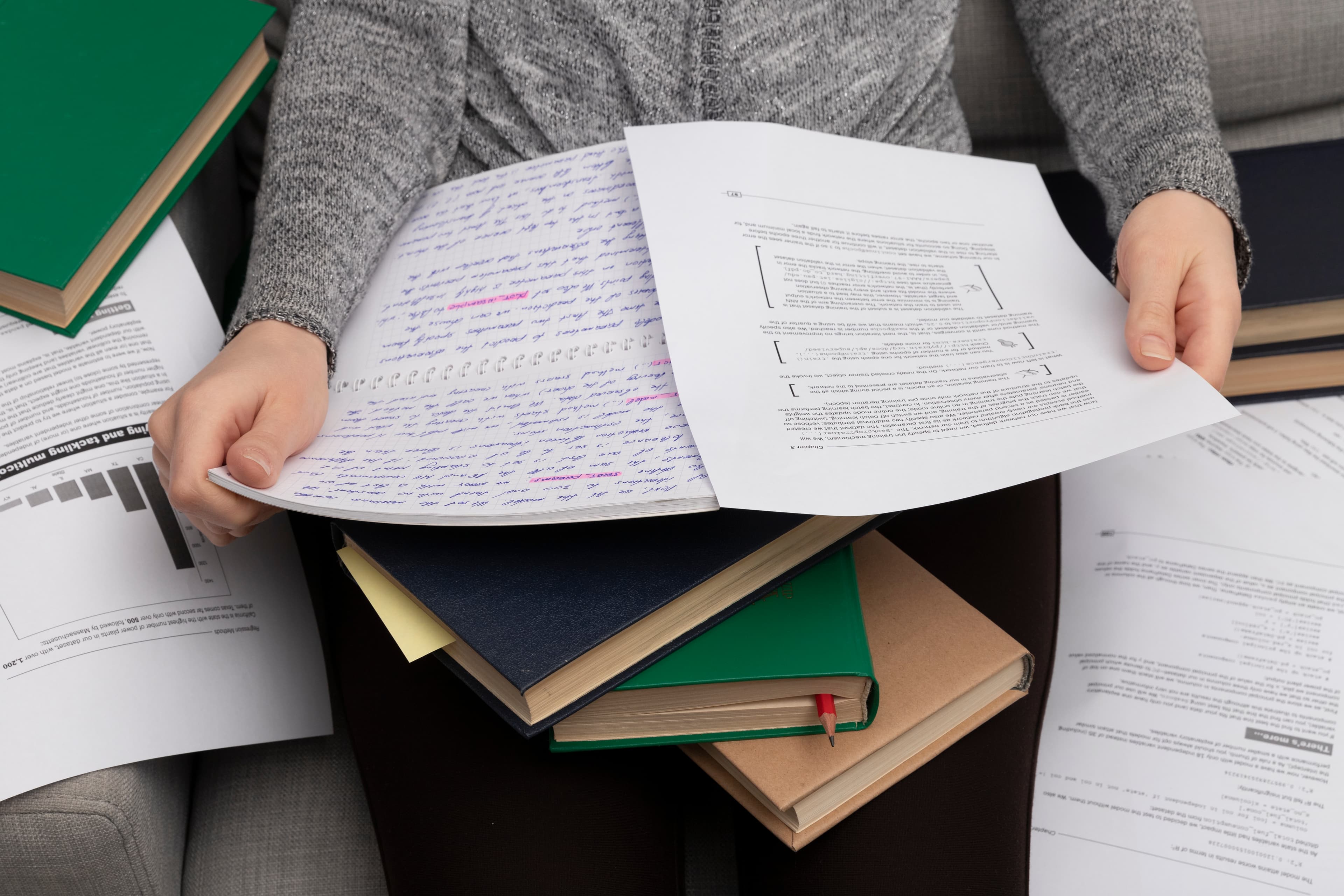
The time-consuming parts of grading are rarely the final scores. They are the reading, the comment writing, and the mental effort of holding rubric criteria in mind across dozens of essays. An assistant that applies the rubric to each paper and drafts comments removes much of that repetitive load.
Success depends on preparation. A teacher who arrives with a clear rubric, a sample of graded essays, and a sense of which issues matter most will get better results than one who simply uploads papers and hopes for the best. The more specific the criteria, the more useful the suggested feedback will be.
A Practical Workflow
Begin by entering your rubric with descriptions tailored to the assignment, including memoir-specific expectations such as distinguishing narrator from author. Run a small batch of essays you have already graded and compare the tool's output with your own scores and comments. Adjust the rubric language where results differ, then process the full set.
- Prepare a detailed rubric with observable criteria for the assignment
- Test the tool on a few essays you have already graded by hand
- Refine rubric wording where the tool's results diverge from yours
- Process the full class set and review every suggested score and comment
- Add personal remarks to essays that deserve extra attention
The tool drafts, the teacher decides, and the student gets feedback while it still matters.
Stop spending your evenings grading essays
Let AI generate rubric-based feedback instantly, so you can focus on teaching instead.
Try it free in secondsWhere the Time Savings Come From
Most savings come from eliminating repetitive comment writing and from reducing the effort needed to score each criterion. Teachers who once spent fifteen minutes per essay may find they can complete a careful review in five or six. Across a class set, this can mean hours returned to the teacher's week.
Faster grading also means faster feedback, which is one of the strongest predictors of improvement. Students who receive comments within days rather than weeks are more likely to remember what they wrote and act on suggestions. This benefit is often overlooked in discussions focused only on teacher workload.
Keeping Quality High
Efficiency should never mean handing over judgment. Read each essay at least in part, verify that scores are reasonable, and edit any comments that feel generic or inaccurate. A teacher who stays engaged with the student's writing will catch nuances that no tool can detect.
Periodic audits help maintain quality. Every few weeks, select a handful of essays and compare the assistant's suggestions with a fresh independent grade. If discrepancies appear, revisit the rubric wording or how the tool is being used.
Reinvesting the Time
The hours saved are most valuable when reinvested in teaching. Use them to hold brief writing conferences, design better prompts, or plan a revision workshop. These activities improve learning in ways that faster grading alone cannot.
Teachers often report that the greatest benefit is not the time itself but the energy that remains. With less fatigue from repetitive comments, they can be more present and encouraging in their remaining interactions with students. That improved energy tends to show in the classroom long before it shows in a gradebook.
See how fast your grading workflow can be
Most teachers go from hours per batch to minutes.
Create free account