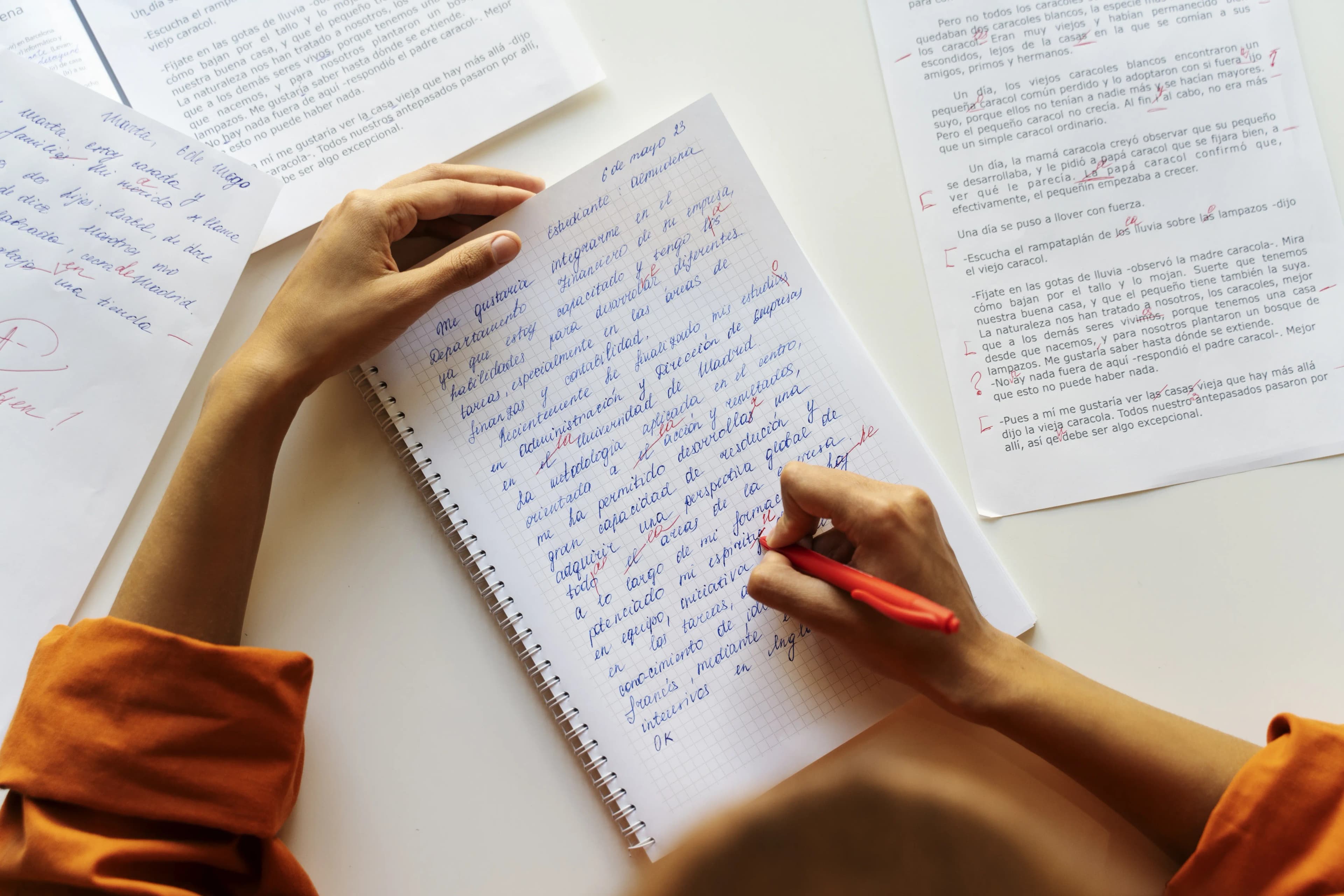

How to Use AI to Build Better Rubrics Faster
Published on May 6th, 2026 by the GraideMind team
Good rubrics are the foundation of consistent, fair assessment, but creating them from scratch is tedious work that most teachers dread. You start with a blank template, try to imagine every possible variation of student performance at each level, write descriptors that are clear yet differentiated, and iterate until the language feels right. Then you realize you need a similar rubric for the next assignment. Multiply that across a semester and rubric design becomes a significant time drain.
AI tools can now handle the heavy lifting of rubric generation, creating sophisticated, multi-level rubrics aligned to standards in minutes. But the real value emerges when teachers understand how to guide that process—specifying what matters, refining the output, and adapting the rubric to their specific context. The AI does the writing; you bring the expertise.
The result is faster rubric development without sacrificing quality. Teachers spend less time on template design and more time on what actually matters: thinking carefully about what good performance looks like in their specific context.
Providing AI With Effective Rubric Specifications
- Specify your assignment type, genre, and grade level so AI understands context and adjusts complexity appropriately.
- List the specific skills or standards the rubric should address—don't ask for generic traits, ask for what you actually want to assess.
- Indicate how many performance levels you want (4, 5, or 6 levels each have different implications for discrimination and feedback).
- Provide any exemplar work or reference standards that should guide the rubric's description of proficiency.
- Request that the rubric language be specific and observable, not vague or jargon-heavy.
Stop spending your evenings grading essays
Let AI generate rubric-based feedback instantly, so you can focus on teaching instead.
Try it free in secondsAI-generated rubrics aren't perfect out of the box, but they're a sophisticated starting point. You refine from strength instead of building from a blank page.
Customizing AI-Generated Rubrics to Your Context
The most common mistake teachers make is using AI-generated rubrics without customization. A rubric generated without knowing your specific students, your curriculum focus, or your teaching priorities will be generic. The solution is to view AI-generated rubrics as a draft, not a final product. Review the output, adjust descriptors to match your students' readiness, add or remove criteria as needed, and ensure the language matches how you talk about quality with your students.
That customization process is still much faster than starting from scratch. You're editing a sophisticated draft rather than creating from nothing. Most teachers report that refinement takes 10-15 minutes per rubric, compared to 45 minutes or more when building manually.
Building Consistency Across Assignments and Teachers
One often-overlooked benefit of AI rubric generation is the ability to maintain consistency across multiple assignments or multiple teachers. When all rubrics are generated from the same specifications and then customized together, criteria stay aligned. A department-level approach to AI rubric generation can ensure that all teachers in a grade level or discipline are assessing the same skills with the same language.
This consistency is particularly valuable for students, who benefit from hearing the same expectations across classes. It's also valuable for data: when all teachers use aligned rubrics, aggregate assessment data becomes meaningful for instructional planning.
See how fast your grading workflow can be
Most teachers go from hours per batch to minutes.
Create free account